

Stuck on the Gimkit join login? Here’s the super-simple way kids and teachers can jump into games fast, fix errors, and have a blast learning in 2025!
What Is Gimkit? A Quick Peek at the Fun
Gimkit is a quiz game where you get to make money in-game by giving the correct answers. In return, the money is used to buy funny upgrades and power-ups to defeat your friends. The game was created by Josh, a high school kid, out of his boredom with regular quizzes. Now, millions of kids are playing it every month!
Why Gimkit Rocks for Kids & Teachers
- We learn something without realising it because we are too busy buying power-ups from the store.
- Teachers love it since it is easy for them to manage a quiet and busy class (magic!).
- You can play the game live in class or do it as homework, which feels like a game.
How to Login to Gimkit: Super Simple Start
Go to www.gimkit.com, and click on the big blue Log In button located at the top of the page.
- Just sign in with your Google school account (This is the quickest way).
- Or fill in your email and password. If you are new here, then clicking Sign Up – It’s Free next to it will help you create a new account. It only takes 20 seconds, and you will even get a two-week free trial of the Pro version.
If you have forgotten your password, then you should click the small “Forgot?” link. Gimkit sends the user a magic link to his/her email. Once you receive it, click on that link and create a new password. As simple as that.
Joining a Gimkit Game: Grab Your Code!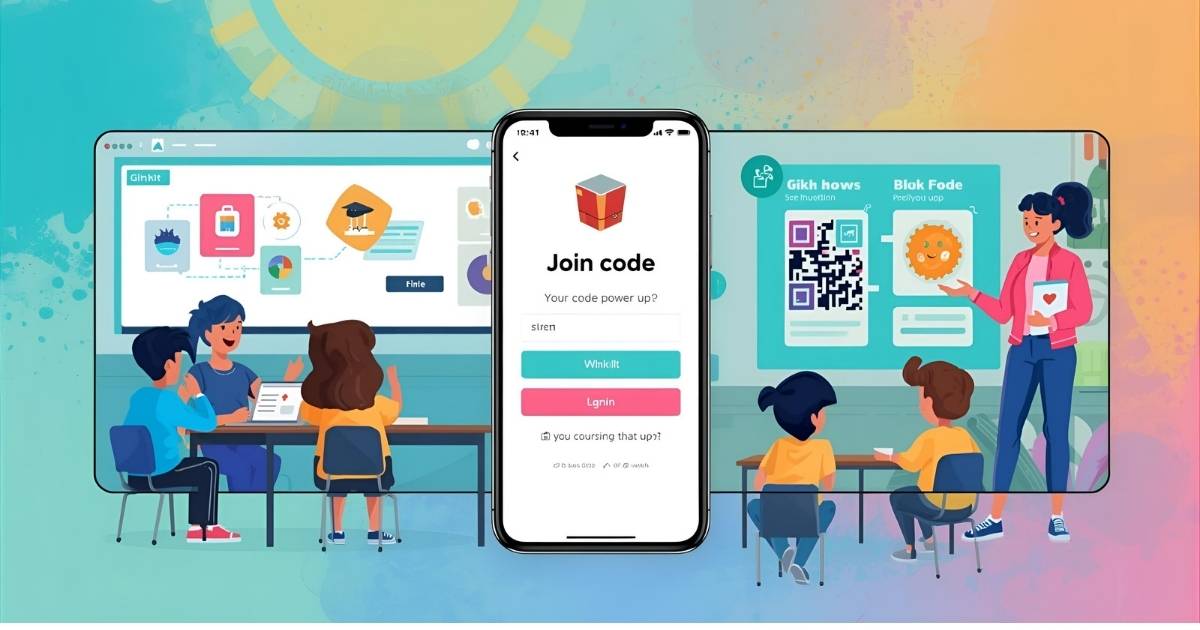
Usually, your teacher will write a code on the board in big letters or numbers (for example, 483920). What you need to do is:
- Open any browser and go to gimkit.com/join
- Type the 6 numbers exactly (uppercase letters should also be used)
- Choose a funny or nice name
- Click Enter and wait in the lobby. The game will start when your teacher clicks go!
Pro trick: Teachers may have their Gimkit code in a QR for instead of writing it on the board. Just open your camera, point, and tap the pop-up. Done – you have joined the game instantly!
Instant Join Magic for Classes
If your teacher creates the class, they will give you a unique link that is always valid. One click and every new game is automatically connected. That means no more entering the codes one by one every day!
Fix Common Gimkit Join Errors Fast
Things don’t always work perfectly. These are the top five mishaps and the ways to solve them quickly:
- “Invalid code” → Check the code you entered or get a new one.
- Page keeps spinning → Reload the page by closing the tab and opening a new one.
- “Too many players” → Try refreshing after 10 seconds of waiting.
- Nothing loads → A switch from school Wi-Fi to a hotspot by phone usually does the trick.
- Name not allowed → Come up with a boring name such as “BluePanda27”. That is a name which is always accepted.
Gimkit Classes: Safe Team Play Setup
By making a class squad, teachers can only allow their students to join. Thus, it prevents those random kids who usually try to get into the class with the intention of making fun of it by picking a silly name. A student just opens one link and is connected forever. On top of that, teachers are able to send homework games, which they grade themselves!
2025 Gimkit Trends: What’s Hot Right Now
This year, Gimkit took additional steps to enhance:
- The AI-generated questions are exactly relevant to the subject you are learning.
- The new game modes were that if you get one wrong, the floor disappears!
- Loading on the phones has become much quicker, so you can play while on the bus ride.
Gimkit vs Others: Which Wins?
- Gimkit = get money + purchase upgrades → looks and sounds like a real game.
- Kahoot = very fast, but no shopping is available.
- Blooket = adorable animals, but little strategy.
- Quizizz = perfect for doing alone at home.
The majority of children claim that the most fun is with Gimkit because it allows them to come from behind and win by clever shopping.
Pro Tips: Level Up Your Gimkit Game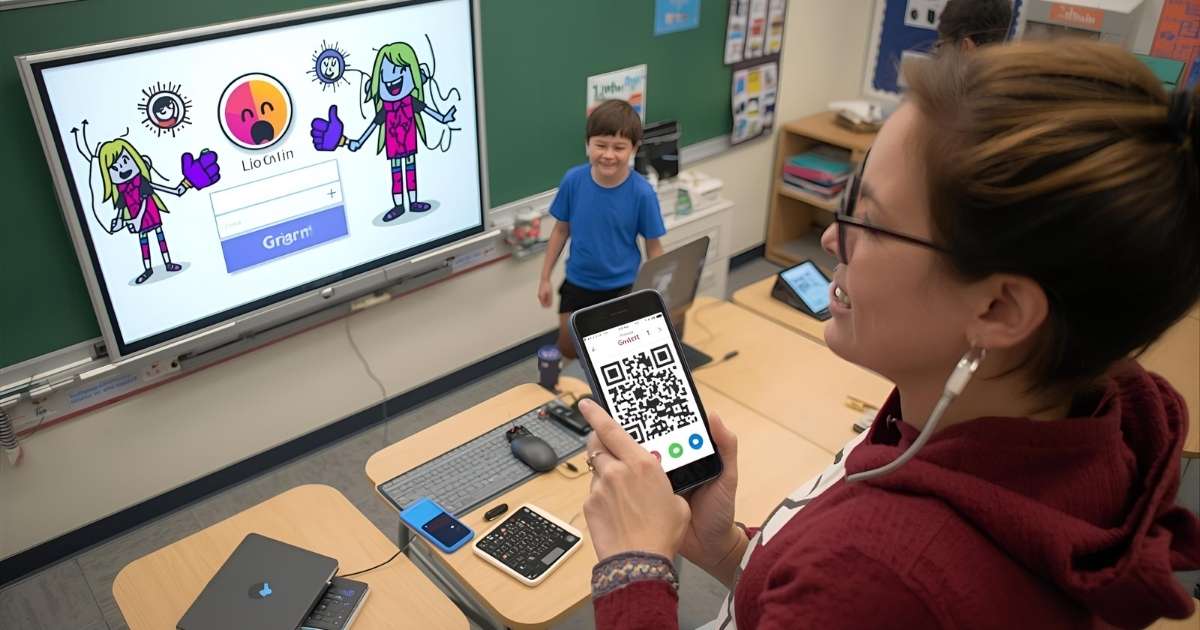
- 2x Money Power-Up is the best way to use your first 5,000 dollars, so just after one can be bought, step your game up immediately by “zooming” ahead.
- Work on the questions that you are confident of in the first place, avoid difficult ones, and return to them later.
- Meet some buddies and have fun playing together in one place, then you are able to coordinate power-up use tactically.
- Money lost in a wrong answer, thus in a guessing situation, do so when you have some degree of confidence only.
FAQs About Gimkit Join Login
Is it possible for me to join a Gimkit game without creating an account?
Simply navigating to gimkit.com/join and entering a six-digit code provided by your teacher is all you have to do. Once you (the student) input the code and enter any random name, you are good to go. No email or password is required for quick games.
Gimkit codes are said to be invalid or expired. Why is that?
The moment the teacher stops hosting their game, the codes expire. Codes become unusable if the class is over or the teacher has started a new game. A new code can be obtained by asking for it or refreshing your browser.
Can parents or their children come up with a Gimkit idea?
Absolutely! A person with a free account may click “New Kit,” input the questions, and then either host or assign it. Study groups or family quiz nights become easy to manage and fun to do thanks to this simple feature.
Is Gimkit going to charge me at some point?
Nothing but good news here, the core version is completely free of charge and will stay like that for good. Teachers can upgrade to Gimkit Pro if they require extra features such as auto-grading homework or additional modes, but the majority of classrooms use the free version and are satisfied with it.
My school doesn’t allow Gimkit – what are my options?
First, you need to convince your teacher to discuss the matter with the school tech staff. Once schools realize it is a safe tool and contributes to the learning process, they normally unblock it. While at school, some children opt to use phone data instead of Wi-Fi.
Joining a Gimkit class link – how can I be sure it’s safe?
You must only open the links that your real teacher sends you. Your joining the class will save your name, which will make it impossible for random people to come in and use bad language with you.