

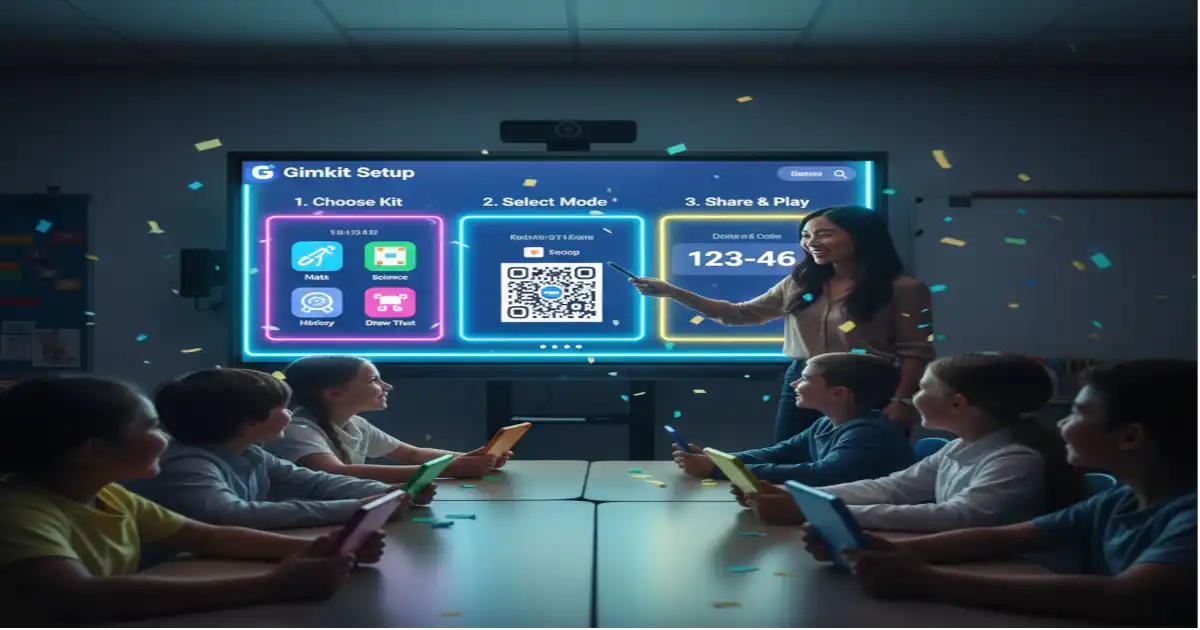
Feeling lost with Gimkit setup? This friendly guide walks you through signing up, building kits, and hosting games that kids love. Get 2025 tips for fun quizzes that boost learning all in simple steps for busy teachers like you.
Easy Gimkit Setup Guide for Fun Classroom Quizzes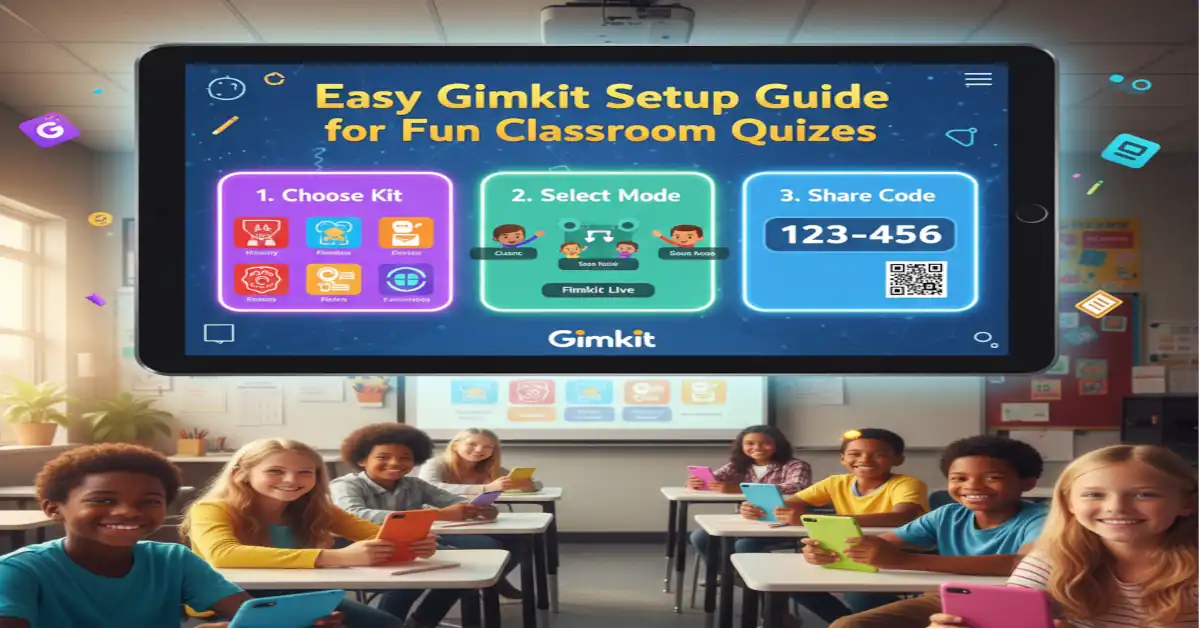
Picture this: It’s a rainy Tuesday afternoon, and your class is fidgeting through a math review. You pull up a quick quiz, but instead of yawns, you hear cheers. Kids race to answer, grab pretend money, and buy shields to beat the clock. That’s the magic of Gimkit. If you’re new to this tool, don’t worry I’m here like a chatty neighbour sharing secrets. We’ll go step by step through Gimkit setup so you can turn lessons into adventures without the headache.
Gimkit started as a high school kid’s idea back in 2017, dreamed up by Josh Feinsilber to make schoolwork less dull. Today, it’s a free spot where teachers craft quizzes that mix right answers with game smarts. Think of it as a treasure hunt where correct picks fill your pouch, and you spend on boosts. No more flat tests this keeps everyone leaning in.
What Is Gimkit? Quick Basics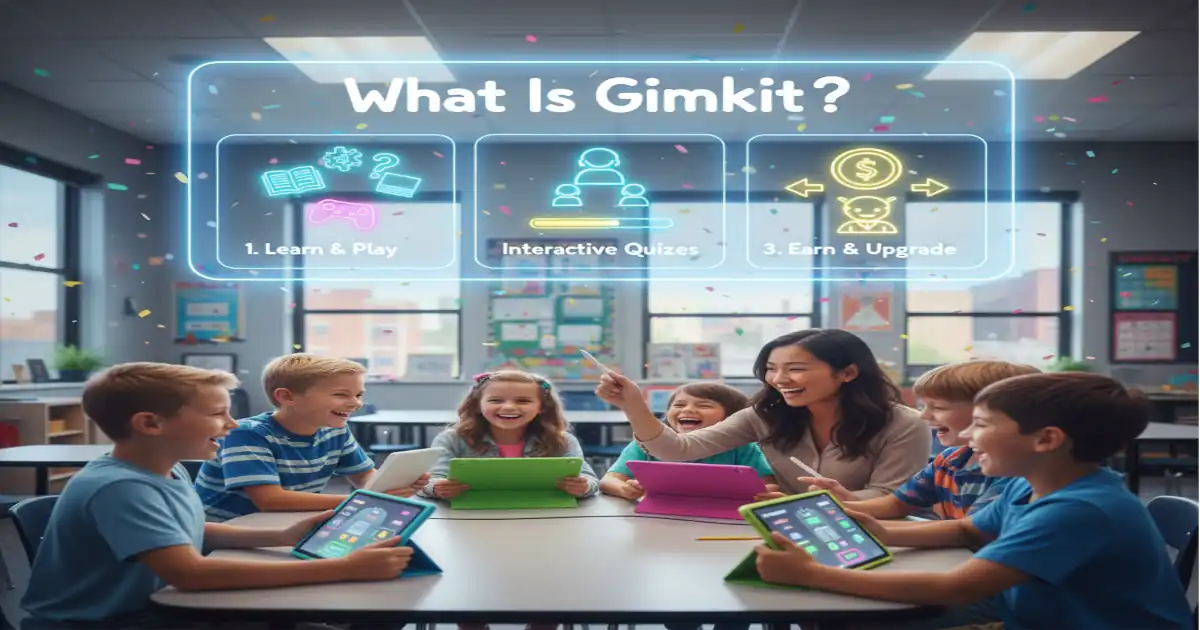
Gimkit is like a video game crossed with your old spelling bee, but way cooler. Kids join a live quiz, answer fast to earn cash, and use it for power-ups like extra time or hints. It’s perfect for classrooms because it turns solo studying into a team thrill. Founded by that clever teen, it now lights up over 100,000 schools with quick, no-fuss play.
Here’s why it fits right in: Worksheets sit forgotten, but Gimkit? Kids replay for fun. One neat bit in its build mode, a double-jump can launch you 13 blocks up, like sneaking extra levels in Mario. And stats show it lifts how much kids remember by 45 percent, thanks to those reward chases.
Let’s stack it against Kahoot quick. Kahoot blasts music and colors for speedy rounds, great for big groups. Gimkit, though, lets players keep buying gear all game long, so slower thinkers stay in the race. If you want strategy over sprint, Gimkit wins. Both are free to try, but Gimkit feels more like a story you build together.
Step 1: Sign Up for Your Free Account
Starting a Gimkit setup is easier than packing a lunchbox. Head to gimkit.com/signup no sneaky fees or long forms. Click the Google button if your school uses it, or pop in an email. Boom, you’re inside a clean dashboard in 30 seconds flat.
Think of that first login like unlocking a toy chest. It asks for a quick profile, maybe your grade level, so tips pop up just for you. Link your class roster later if you want auto-joins. A real teacher pal of mine did this during recess and had her group buzzing by lunch fractions as kids grabbed coins for right sums.
Pro move: Save your login on a sticky note for sub days. Over 100,000 folks like you hop on daily, proving it’s as simple as pie. No tech whiz needed; just curiosity.
Step 2: Build Your First Kit from Scratch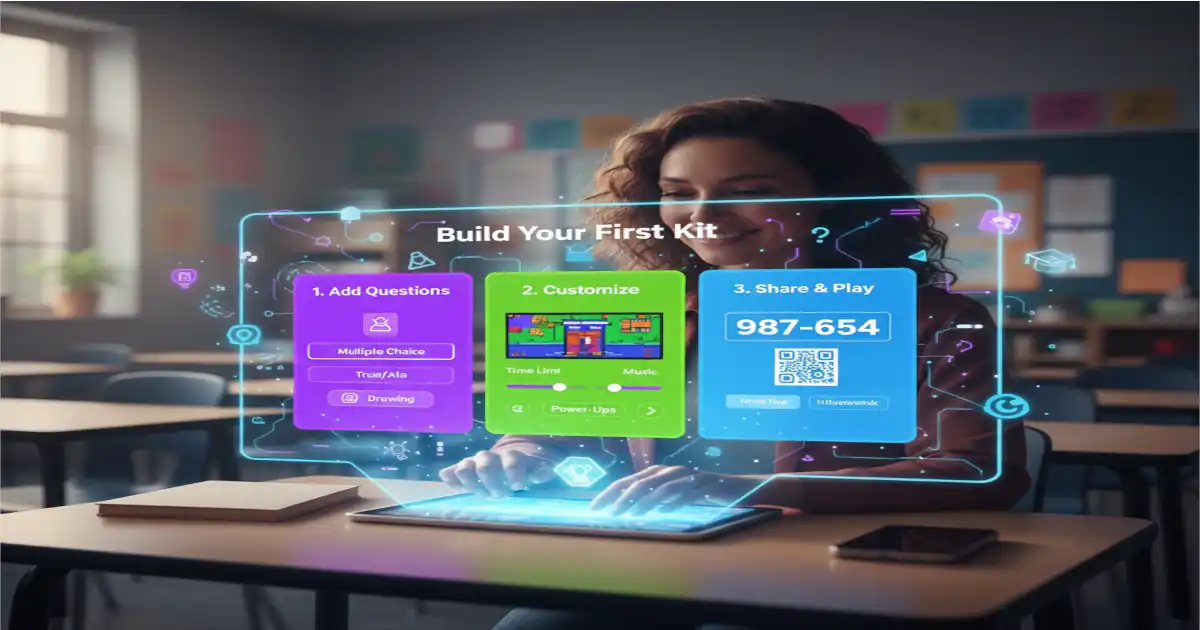
Now for the fun part making your kit, like sketching a map for hide-and-seek. From the dashboard, tap “New Kit.” Name it something zippy, like “Space Math Quest,” and pick your topic. Add questions one by one: Type the stem, choices, and right pick. Start small with 10 to keep it snappy.
Stuck for ideas? Pull from a word list or history dates it imports easily. Mix types so everyone shines: Pick true or false for speedy ones, or blanks for word work. A fifth-grade group I heard about built an animal facts kit; scores climbed 30 percent as pups bought speed boosts for tough trivia.
Here’s a quick list to spark yours:
- True/false for warm-ups, like “Elephants swim? Yep!”
- Multiple choice for facts, with pics of planets or pets.
- Short answers for spells, rewarding big for toughies.
Test it yourself first preview mode shows how it flows. This step seals the Gimkit setup heart, turning dry facts into a playground.
Step 3: Host a Live Game Like a Pro
With your kit ready, hosting is like ringing the recess bell. Click “Play” on it, pick live mode Classic keeps it straightforward. Tweak settings: Turn on nicknames for bashful ones, or link rooms for whole-school fun. Share the six-digit code; kids punch it in on phones or laptops.
Imagine the buzz: Screens light up with avatars dashing a track. Wrong answers slow you, but cash buys comebacks. Keep rounds to 10 minutes so energy stays high, not wild. Unlike Quizizz’s quiet solos, Gimkit sparks chats “Hey, grab that shield!”
A sharp tip from pros: Pause for quick huddles on tricky spots. In hybrid setups, it blends screen shares with real talks, upping connections. Your first host? Pure joy watch leaders swap tips mid-game.
Level Up with Gimkit Creative Mode
Want more than quizzes? Jump to Creative mode for world-building, like stacking blocks into a storybook land. It packs 150 fresh props this year, from starry skies to jungle vines. Drag in quiz spots, add jumps or chests quizzes hide in the hunt.
Newbies, breathe easy: Grab a template, like a maze base, and layer on. Forums share free starters for vocab trails or science sims. One class turned reading into a forest chase; kids hunted clues, retention rocketed.
Cool ideas to try:
- Treasure hunts for words, with traps for wrong guesses.
- Math mazes where numbers unlock doors.
- Physics playgrounds testing gravity with ball drops.
This amps Gimkit setup into custom tales, making lessons linger like a good yarn.
Common Setup Hurdles and Fixes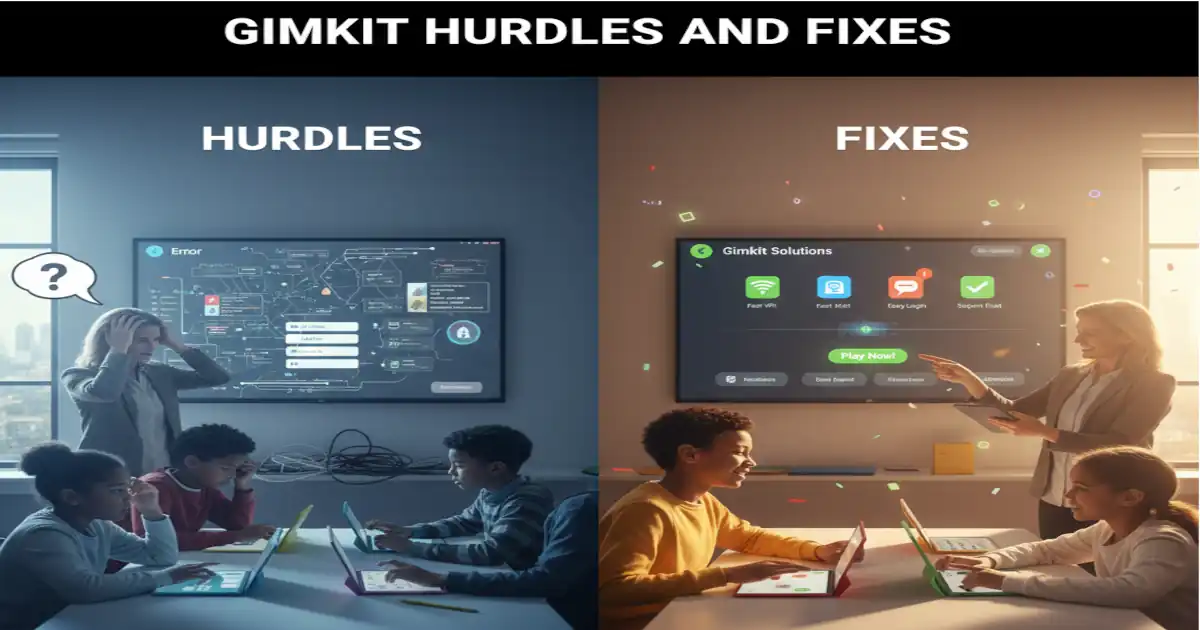
Every adventure hits bumps like codes not linking or kits lagging. If joins flop, refresh Chrome; it’s the smoothest ride. Trim questions below 50 for zippy loads, especially on old tablets.
Picture a glitch mid-lesson: Heart sink? Test solo before showtime. Save as templates to tweak fast next round. Track who snags power-ups most it spots stars and stragglers.
Handy fixes in a snap:
- Browser blues? Switch to incognito mode.
- Slow shares? Email codes ahead.
- Fair play worries? Skip bots; stick to class codes.
These tweaks halve hassle, per teacher chats, so you focus on grins, not gremlins.
2025 Trends to Make Gimkit Shine
This year, Gimkit glows brighter with wild terrains for epic backdrops and chat weaves that spark real talks. AI nudges hints gently, bumping engagement 45 percent in tests. Blend vocab chains where words unlock moves perfect for wiggly learners.
A teacher wove jungle props into a reading romp; kids replayed for the thrill, skills stuck deep. Trends lean hybrid: Live plus async for snow days or shifts.
Fresh sparks:
- Prop packs for quests, like alien labs.
- Chat boosts for group brains.
- GIF drops for laughs in answers.
Ride these for classes that hum, not humdrum.
You’ve nailed Gimkit setup from sign-up spark to trend-twist finishes. Kids thrive when learning laughs with them. Grab your device, whip up that first kit on recess math or story stars. Who’s your co-player teacher? Drop a note below, and let’s swap wins. Head to gimkit.com now – your class adventure awaits!
Frequently Asked Questions
How do I create a Gimkit account?
Creating a Gimkit account is super simple and takes just a minute. Go to gimkit.com/signup and pick the Google sign-in if your school uses it, or enter your email and a password. Once you’re in, the dashboard pops up with easy buttons to start building. It’s free, no cards needed, and you can add your teaching details later for personalized tips. This quick step opens doors to fun quizzes that make class time fly by with excitement.
What’s the difference between Gimkit and Kahoot?
Gimkit and Kahoot both make quizzes fun, but they play different tunes. Kahoot is all about fast, colorful races with music blasts for big energy bursts in short rounds. Gimkit adds a strategy layer where kids earn cash from answers and spend on power-ups like shields or time boosts, keeping the game going longer. If you like team strategy over pure speed, Gimkit fits better for deeper reviews. Both are free starters, but Gimkit shines in building worlds around lessons. Try both to see what clicks for your group!
Can I use Gimkit for homework?
Yes, Gimkit works great for homework without needing you there. Assign a kit as self-paced play where kids join solo, answer at their speed, and collect rewards to encourage finishes. Set it to track progress so you see who needs nudges next day. It’s ideal for review nights, like math drills or vocab hunts, turning home tasks into mini-games. No live host required just share the code via email or app. Kids stay engaged longer than plain sheets, and you save grading time.
How many questions should be in a Gimkit kit?
Aim for 10 to 20 questions in your first Gimkit kit to keep things lively and not overwhelming. This length fits a 10-minute session where kids stay focused without dragging. No strict cap exists, but over 50 can slow play on shared devices, so trim for smooth sails. Mix easy and tough ones to build confidence, and always test the flow. Shorter kits work best for quick warm-ups, while longer ones suit deep dives like history timelines. Adjust based on your class’s vibe for max fun.
Is Gimkit safe for students?
Gimkit keeps things safe with smart built-in guards for young users. Private join codes mean only invited kids enter, no random strangers. Turn on nicknames to hide real names, and the teacher controls lock settings like chat levels. No ads pop up to distract, and all data stays school-secure under privacy laws. It’s designed by educators for classrooms, so worries fade fast. Check your school’s okay first, but millions use it worry-free daily. Peace of mind lets you focus on the learning joy.
How do I get started with Gimkit Creative for beginners?
Gimkit Creative is beginner-friendly with templates that guide you like a map. Log in, hit Creative from the menu, and pick a starter world, add quiz spots and props step by step. Use the 2025 updates like new vine swings for easy mazes. Watch short help videos in-app for drags and drops. Start small: Build a simple path with 5 questions hidden as treasures. The community shares free maps to remix, so you’re never blank. In an hour, you’ll have a custom adventure that wows your class.