

What Is a Gimkit Server?
A Gimkit server is like the heart of the game. It’s the online spot where your quiz turns into a live adventure. When you host a game, the server grabs your questions, tracks scores, and lets players jump in from anywhere. Think of it as a big digital tent where everyone meets to play modes like Trust No One or Time Bomb.
These servers run on special tech called Blueboat. That’s Gimkit’s own speedy setup, open for anyone to peek at if they’re tech-curious. It keeps things zippy, even with dozens of kids racing to answer. Fun fact: Player codes hide a secret those first eight letters spell out when the game started, like a time stamp on your adventure. Cool, right? Without servers, Gimkit would just be a list of questions on paper. But with them, it’s alive and buzzing.
Check Gimkit Server Status Now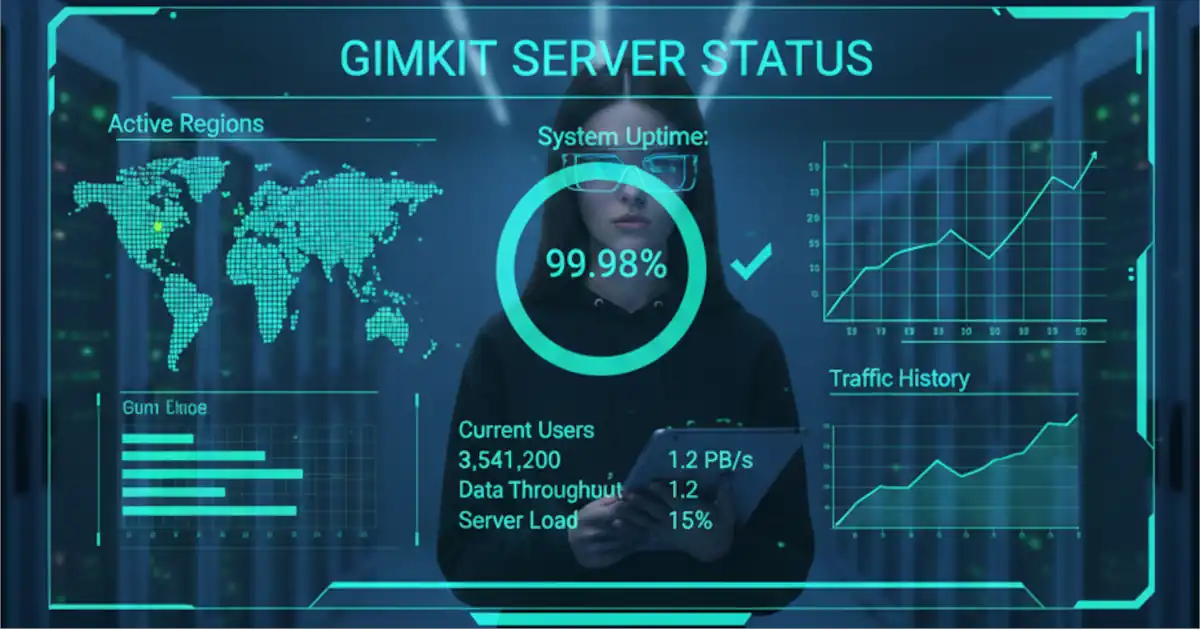
Want to know if the servers are happy today? It’s easier than checking the weather. Head to gimkit.crisp.watch/en that’s the official spot. Right now, on November 29, 2025, everything’s green: the main site, game servers for 2D modes, and even non-2D ones. All replicas report healthy, meaning no hiccups.
Last check showed full uptime, with the most recent bump on November 18 a quick frontend glitch fixed in hours. Over 2025 so far, Gimkit clocks in at about 99% uptime, based on trackers like StatusGator. That’s better than most coffee shops staying open all day! To test your own setup, pop over to gimkit.com/check. It scans for blocks and gives thumbs up or down. If it’s red, don’t panic, we’ll fix that next.
- Step 1: Open the status page in a new tab.
- Step 2: Look for green icons next to “Available Game Servers.”
- Step 3: If yellow or red, wait five minutes and refresh most resets happen fast.
This quick peek saves so much frustration. I once skipped it and spent an hour poking my router. Lesson learned!
Gimkit Server Status, Errors, and Hosting Fixes: Troubleshooting Login Issues, Lag, and Game Connectivity
Technical issues like server downtime, login errors, or hosting problems can disrupt Gimkit gameplay. Knowing how to check Gimkit server status, troubleshoot connection issues, and apply simple fixes helps maintain smooth sessions. This guide explains common technical problems, reliable solutions, and best practices for hosting stable Gimkit games without interruptions.
Common Gimkit Server Issues
Nobody likes a game that ghosts you mid-way. Gimkit server problems pop up most in schools, where networks play gatekeeper. But guess what? Nine times out of ten, it’s not the servers it’s something local. Let’s break down the usual suspects, like chatting over lunch.
Servers Down?
True downtime is rare, like a snow day in summer. Gimkit’s small team rents space from big hosts, so glitches tie to those. The October 22, 2025, outage hit joins but cleared quick. If the status page glows green, it’s not Gimkit’s fault. Refresh your browser or try another device. Pro tip: Bookmark the status link for one-click peace.
Firewall Blocks in School
This one’s the sneaky villain. Schools block *.gimkitconnect.com to keep things safe, but it locks out games too. Ports 80 and 443 need to stay open for the magic to flow. Picture a kid at the park fence can’t play till the gate swings wide.
Chat with your IT buddy or teacher. Ask to add that domain to the “okay” list. One class I know emailed their tech whiz with a screenshot from gimkit.com/check. Boom fixed by lunch, and scores jumped 15% that week. No more “connection failed” tears.
Lag or WebSocket Errors
Lag feels like running in mud. WebSockets are the speedy chat lines between you and the server. Proxies or SSL checks can snag them, causing stutters. To smooth it, tell IT to skip deep peeks at Gimkit traffic.
Close extra tabs, hop on better Wi-Fi, and you’re golden. Gimkit shines here over plain quizzes no lag means more laughs.
Compared to Kahoot, Gimkit needs those ports open but rewards with deeper strategy. Kahoot’s simpler, sure, but Gimkit builds real skills.
How to Host a Gimkit Game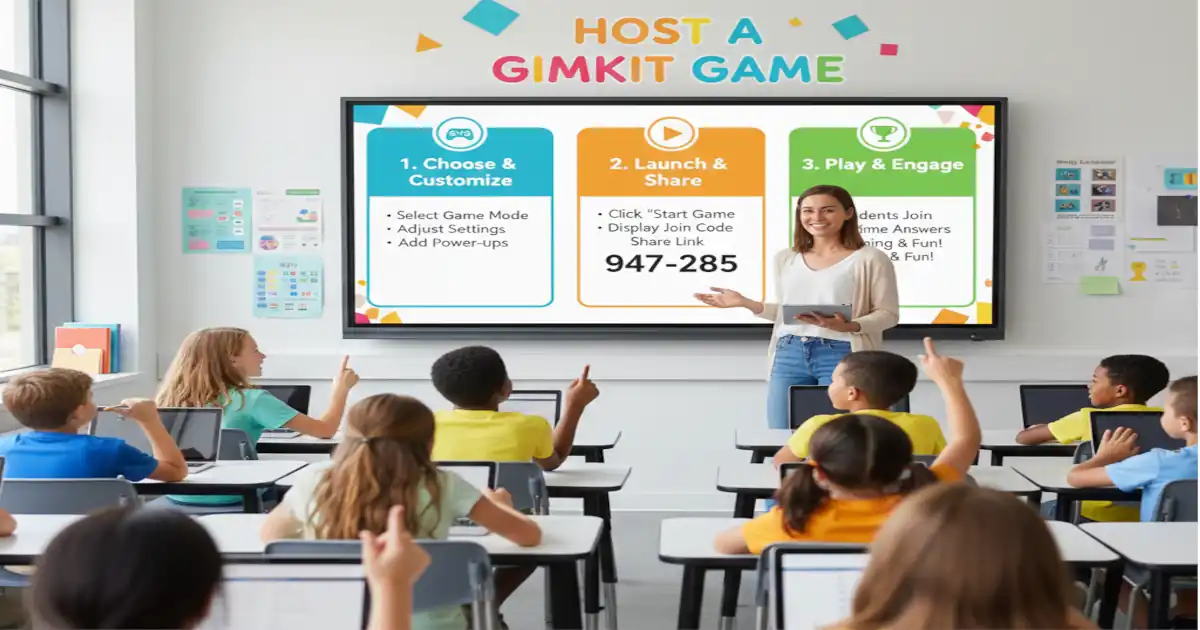
Hosting is like baking cookies easy if you follow the recipe, and everyone loves the result. Log into gimkit.com, pick or make a kit full of your questions. Choose a mode, like classic for quick wins or Apocalypse for endless zombie chases.
Hit “host live,” grab the code, and share it. Kids type it at gimkit.com/join, and poof they’re in. QR codes make it snappier for phones. Sessions cap at 50 players and 1-2 hours to keep things fair and not overload the fun factory.
Take Ms. Rivera, a third-grade teacher. She hosts Friday trivia on history kits. One week, a shy kid nailed every fact and lit up the room. Her trick? Add power-ups like double points for tough ones. Scores rose 20%, and even the wiggly ones stayed glued. You can too start small, tweak as you go.
- Sign in and select your kit.
- Pick mode and settings, like time limits.
- Generate the code and yell it out (or text it).
- Watch the player count climb start when ready!
- End early if needed; export scores for stickers later.
It’s that simple. No tech degree required.
Gimkit Server Limits & Tips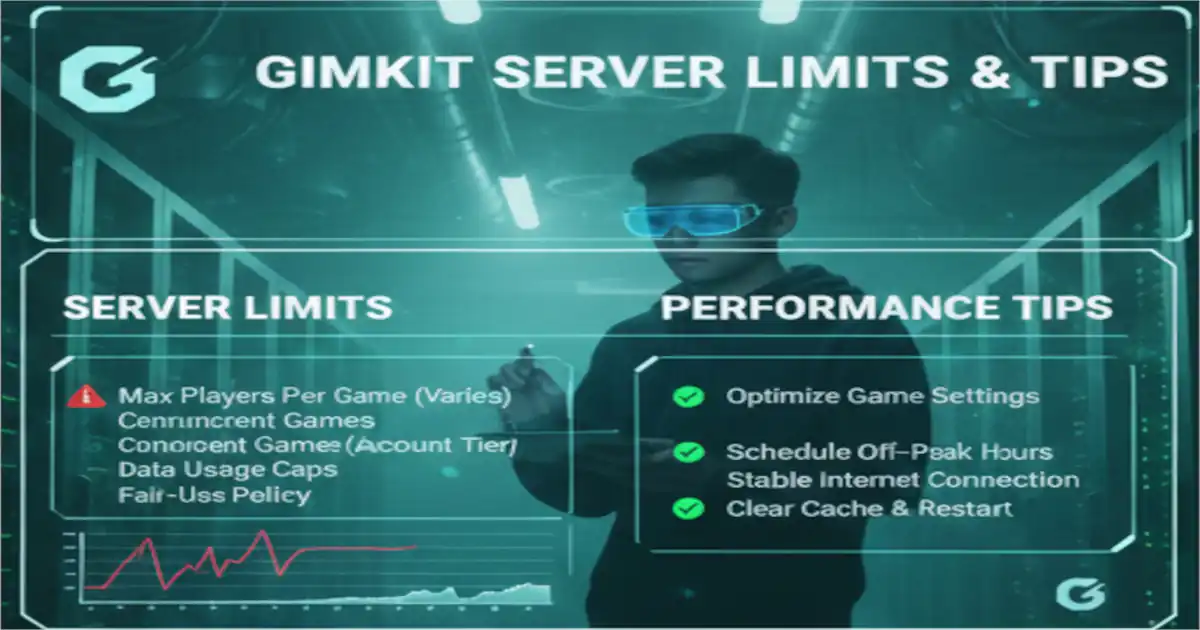
Servers aren’t superheroes they have rules to stay strong. Games wrap after 1-2 hours, even in endless modes, to share bandwidth nicely. No always-on worlds yet, thanks to costs, but rehosting is a snap.
Player max is 50, so for bigger groups, split into teams. To stretch it, close unused tabs and use wired connections. Creative mode is your hack buddy: Build maps that save progress, like a personal server without the fuss. Devs whisper it’s coming someday, but for now, this keeps play fresh.
- Tip 1: Schedule short bursts 30 minutes packs a punch.
- Tip 2: Test on your network first with gimkit.com/check.
- Tip 3: Mix modes weekly to dodge boredom.
These keep the energy high without burnout.
Gimkit vs. Other Game Servers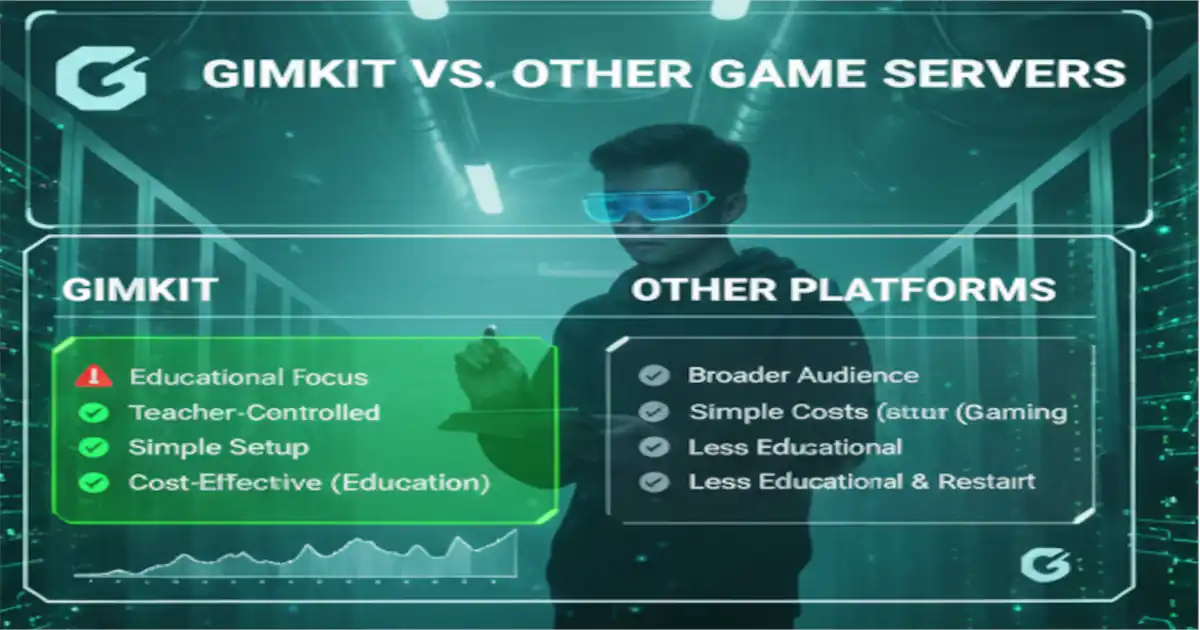
Wondering if Gimkit’s your best pick? Let’s stack it against pals like Blooket or Kahoot. Gimkit’s servers focus on strategy earn cash, buy gear, outsmart friends. Blooket’s cute but simpler, like tag versus chess. Kahoot blasts music and buzzers, great for big crowds, but Gimkit layers in choices that stick.
Gimkit wins free core access, used in over 10,000 schools yearly. Blooket lags less on weak nets, but Gimkit’s WebSockets zip for real-time thrills. Pick Gimkit if you want learning that feels like play, not drill.
Gimkit edges out for depth: Imagine quizzes where kids plot escapes, not just tap answers.
Wrapping up, Gimkit servers turn dry facts into epic tales reliable most days, fixable when not. Grab that status check habit, whitelist your way to wins, and host one game this week. You’ll see eyes light up like stars. What’s your go-to mode? Drop it below I’d love to hear. Head to gimkit.com now and make some memories.
Frequently Asked Questions Gimkit server
Is Gimkit server down today?
Almost 100% of the time, the site gimkit.crisp.watch/en/ is up. If you still have problems with the network, restart it and open the gimkit.com/check page. The last downtime was on November 18, 2025, and the problem was solved quickly. There are no problems reported currently.
Why can’t I connect to Gimkit servers?
School firewalls block the domain *.gimkitconnect.com. Request the IT department to open ports 80/443. A compatibility test will give you a quick solution. After the whitelist test on the home Wi-Fi, most of the connections work.
How long do Gimkit servers last?
Live games are no longer than 1-2 hours. You can simply rehost to play more; there are no endless modes, so the game stays fair and quick. Creative mode allows you to save your progress for longer journeys without having to start over.
Can I make a private Gimkit server?
Not really, but with Creative mode, you can save your work and share it. There are some community hacks available on forums if you want to use them, but be careful. If you are teaching a class, hosting with codes is a good option as it is safe and simple for everyone.
How to host a Gimkit server game?
Signing in, choose a kit, select mode, and share the code. Students can easily join a class by going to gimkit.com/join with a code! If you want to use phones, add a QR, and start testing the flow with 10 players.
Gimkit server lag fixes?
Stop watching videos or listening to the music in tabs opened in your browser, and check if your Wi-Fi is good. WebSockets should be allowed in your proxy settings if you want to have a smooth game session. If you use a cable and your connection is stable then your lag will be reduced considerably and you can cut the lag by half in a full room.
Read more knowledgeable blogs on: gimkitblog.com