

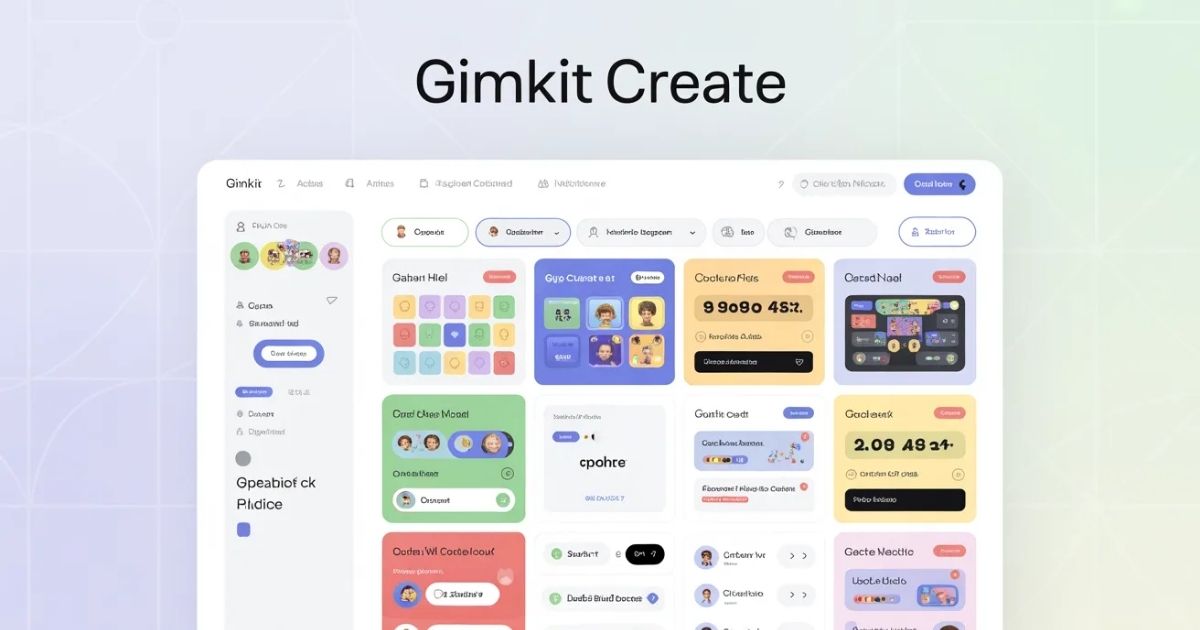
What is Gimkit Create?
Teachers use Gimkit to engage students. This platform turns quizzes into games. Users earn virtual money through correct answers. They spend it on power-ups. Gimkit boosts learning retention. It supports various subjects. Students play live or at their own pace.
Gimkit started in 2017. A high school student created it. The tool evolved quickly. Now, millions use it worldwide. Educators praise its interactivity. Gimkit integrates with other tools. It offers free and paid plans.
What is Gimkit?
Gimkit functions as a game show. Students answer questions to win. Collaboration plays a key role. Strategy matters in gameplay. Teachers host sessions easily. Players join via codes.
The platform includes multiple modes. Classic mode focuses on individual play. Team mode encourages group work. Special modes like Floor is Lava add fun. Zombies mode introduces challenges. Each mode suits different lessons.
Gimkit tracks progress. Reports show student performance. Teachers adjust teaching based on data. The tool supports remote learning. It works on devices like phones and computers.
Getting Started with Gimkit
Sign up for an account. Visit the Gimkit website. Click the sign-up button. Use email or Google. Verify your account quickly. Log in to access features.
Choose a plan. Free version allows basic use. Pro plan unlocks more. Season Ticket offers extras. Select based on needs. Pay if required.
Explore the dashboard. See options for kits. View classes and assignments. Check reports section. Navigate easily. Customize settings as needed.
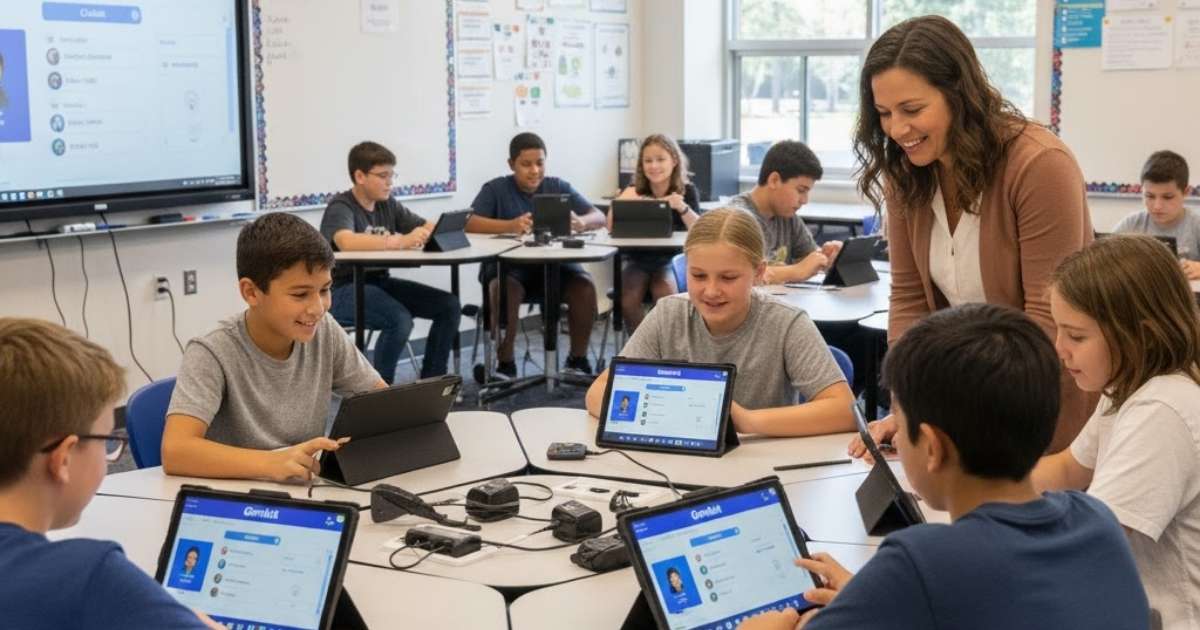
How to Gimkit Create a Kit
Teachers gimkit create kits for games. Start from the dashboard. Click New Kit button. Enter kit title. Select language. Choose subject area.
Add questions manually. Click Add Question. Type the question text. Provide correct answer. Add incorrect options. Include images if needed. Save each question.
Import from sources. Use Quizlet integration. Search for sets. Import directly. Edit as required. Google Forms works too. Upload CSV files. Ensure format matches.
Organize questions. Arrange in order. Edit anytime. Delete unnecessary ones. Preview the kit. Test for errors. Publish when ready.
Gimkit create process takes minutes. Kits hold unlimited questions. Reuse them often. Share with colleagues. Collaborate on creation. Update kits regularly.
Importing Questions into Gimkit
Import speeds up creation. Connect to Quizlet. Search public sets. Select relevant ones. Import all questions. Review for accuracy.
Use Google Forms. Export form responses. Convert to CSV. Upload to Gimkit. Map fields correctly. Confirm import success.
Create from scratch. Type questions directly. Add explanations. Include hints. Vary difficulty levels. Cover key topics.
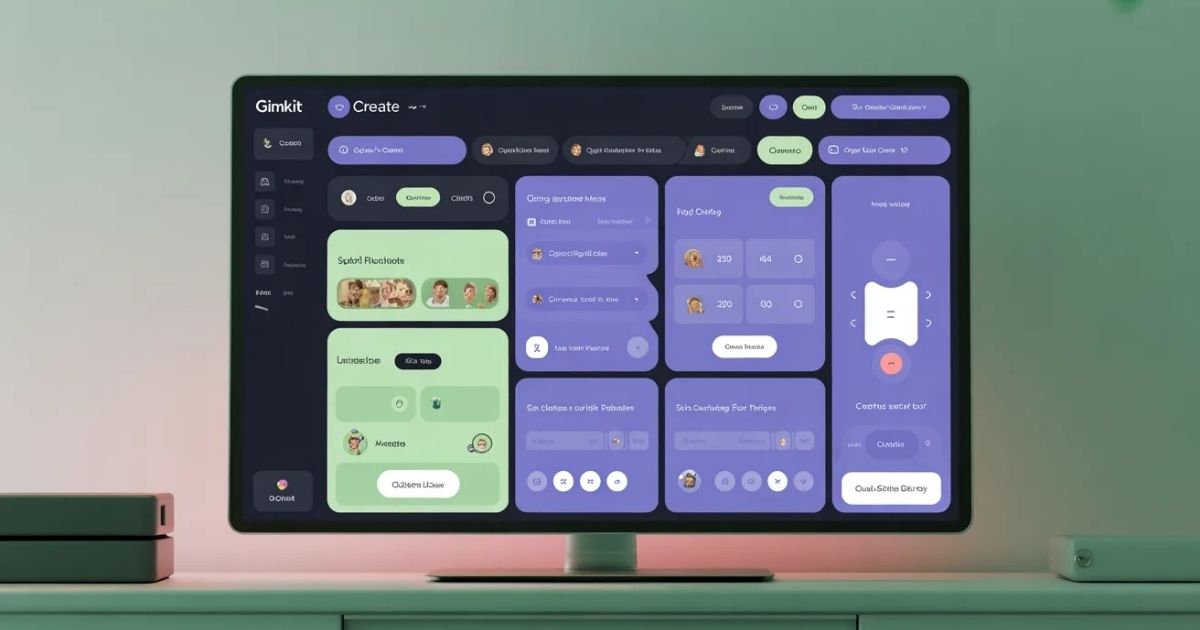
Gimkit Creative Overview
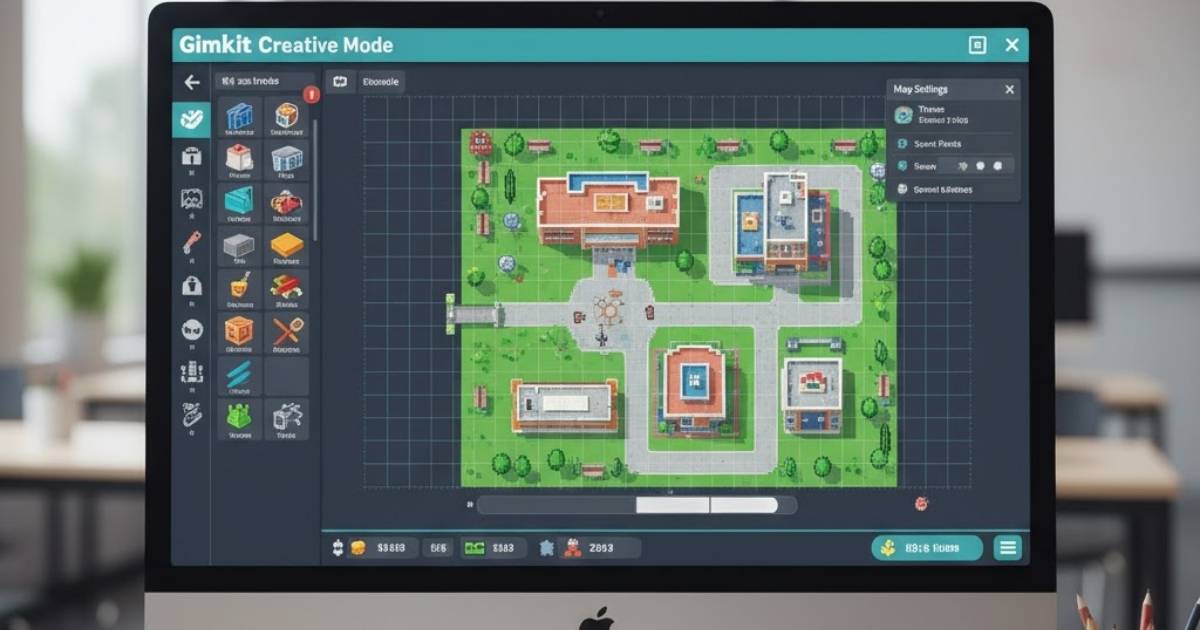
Gimkit Creative allows custom games. Users build 2D maps. No coding needed initially. Share creations globally. Play with up to 60 players.
Choose map style. Select top-down view. Opt for platformer mode. Set game rules. Define win conditions. Add objectives.
Editor uses sandbox. Place terrains first. Add props for decoration. Insert devices for mechanics. Connect with wires. Test in real-time.
How to Gimkit Create in Creative Mode
Users gimkit create maps easily. Click Create Map. Choose top-down or platformer. Name the map. Set description. Save progress automatically.
Build terrain. Select floor tiles. Place walls strategically. Use grass or concrete. Add water elements. Avoid overusing memory.
Add props. Place barrels or trees. Rotate for variety. Tint colors. Use medieval items. Limit to 5000 props.
Insert devices. Add buttons for interactions. Place triggers for events. Use item granters. Set lasers for challenges. Wire connections simply.
Configure options. Enable PvP damage. Set infinite refills. Choose score type. Disable features as needed. Test settings.
Publish the map. Go to options. Click Publish. Pay 1000 GimBucks. Add cover image. Write engaging description.
Gimkit create in Creative expands possibilities. Collaborate with others. Edit in real-time. Host games quickly. Analyze plays.
Devices in Gimkit Creative
Devices drive gameplay. Barriers block paths. Buttons activate actions. Triggers send signals. Item granters give tools.
Sentries act as enemies. Lasers damage players. Crafting tables enable building. Checkers verify conditions.
Use block code. Drag elements. Create logic flows. Manage inventory. Track scores accurately.
Memory limits apply. Barriers cost 20. Lasers use 250. Wires add 10 each. Stay under 100000 total.
New devices appear often. Tag zones for games. Flags for captures. Checkpoints save progress. Damage boosts help.
Terrains and Props Guide
Terrains form the base. Grid-locked tiles snap. Floors cost 2 memory. Walls prevent movement. Water slows players.
Platformer terrains differ. Add platforms for jumping. Use destructible types. Grant pickaxes for mining.
Props enhance visuals. Each costs 10 memory. Rotate except lasers. Tint for themes. Add details like signs.
Season exclusives unlock more. Brick terrains available. New props like characters. Dialogue adds story.
Combine for immersion. Build houses or mazes. Create obstacles. Design levels carefully. Test navigation.
Advanced Tips for Gimkit Create
Optimize memory usage. Remove unused items. Simplify designs. Reuse devices. Monitor limits closely.
Incorporate questions. Link to kits. Make educational games. Reward correct answers. Penalize wrongs.
Use wires effectively. Connect buttons to doors. Trigger events on conditions. Create chains. Debug issues.
Collaborate on maps. Invite friends. Edit together. Share ideas. Resolve conflicts.
Update published maps. Add features. Fix bugs. Republish changes. Notify players.
Gimkit create advanced modes. Build battle royales. Design survivals. Create puzzles. Innovate freely.
Hosting Games in Gimkit
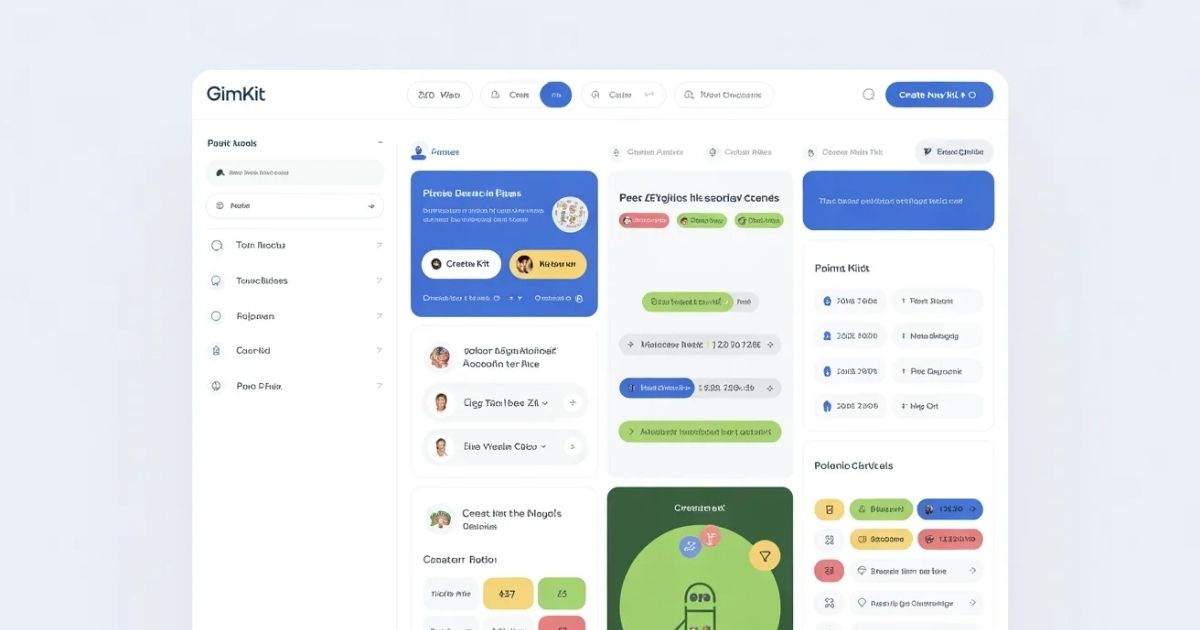
Host interactive sessions that are fun and engaging. Start by picking your kit, and then select your desired game mode along with the time limit. Afterwards, share the invites with your students so that they can join the game.
Give students assignment to complete at home. Self-paced mode can be used to check if students have finished the assignments. You can also view the results to provide necessary feedback.
Gimkit works well with the class system. Once you have added your students, divide them into groups, which can then be tracked for active participation. Feedback can be given accordingly.
Benefits of Using Gimkit
It is highly engaging to use Gimkit. Games that students like can be a way of getting them to learn. In this manner, learning can be fun and one of the biggest benefits of fun is the retention of the knowledge learned.
Teachers can use their time to focus on other activities as work already done and ready-made kits available. Customization is also quite easy, and the data gathered from the students can be used to tailor the instruction.
In a situation where there are learners with different needs, the visuals will be helpful along with the option of audio and use of adaptable difficulty. The design is inclusive.
When in groups, team games can be a great way to encourage discussions and skills such as strategy will be enhanced. On top of that, social learning takes place.
Common Mistakes to Avoid
Don’t make the mistake of an empty kit. Make sure that there are enough questions, vary the topics, and check the answers.
Using power-ups too much is a mistake. Game balance is needed. To prevent frustration, check the fairness of the game.
In Creative, do not ignore memory. Keep an eye on usage. If necessary, make it simpler. Take care of the most important parts.
Remember to test. Playthrough the maps. Debug. Make sure it’s fun.
Pay attention to updates. Change the content. Include new questions. Stay relevant.
Integrating Gimkit with Curriculum
Standards should be the basis of your alignment. Goals should be the basis of your mapping of questions. You should include the major concepts. You should test the student’s comprehension/mastery of the content.
Lessons are a great place to use Gimkit. Begin with an introduction. Take a mid-class break with a fun play session and finish with a review at the end.
Make use of other resources. You can provide a link to a video and add a reading to go along with it. It is beneficial to add more layers.
Gimkit can be used to track student progress. Make use of the reports you receive.
Frequently Asked Questions
Is Gimkit Create free?
Users can start building and playing with elementary kits for free, which includes basic question creation and games. To access additional features like unlimited modes and audio questions, a Pro version is available for about $4.99 per month, suitable for larger classes. Many schools opt for annual licenses costing $1,000 for the entire school. It is encouraged to start for free and evaluate the service before committing.
What is the first step to gimkit create a kit?
From the dashboard, click New Kit. Type a title and add details. You can either add questions manually or import.
How do I gimkit create a custom map?
In Creative, click Create Map.
Pick a style.
Make the map with terrains and devices.
Publish when finished.
Can students gimkit create content?
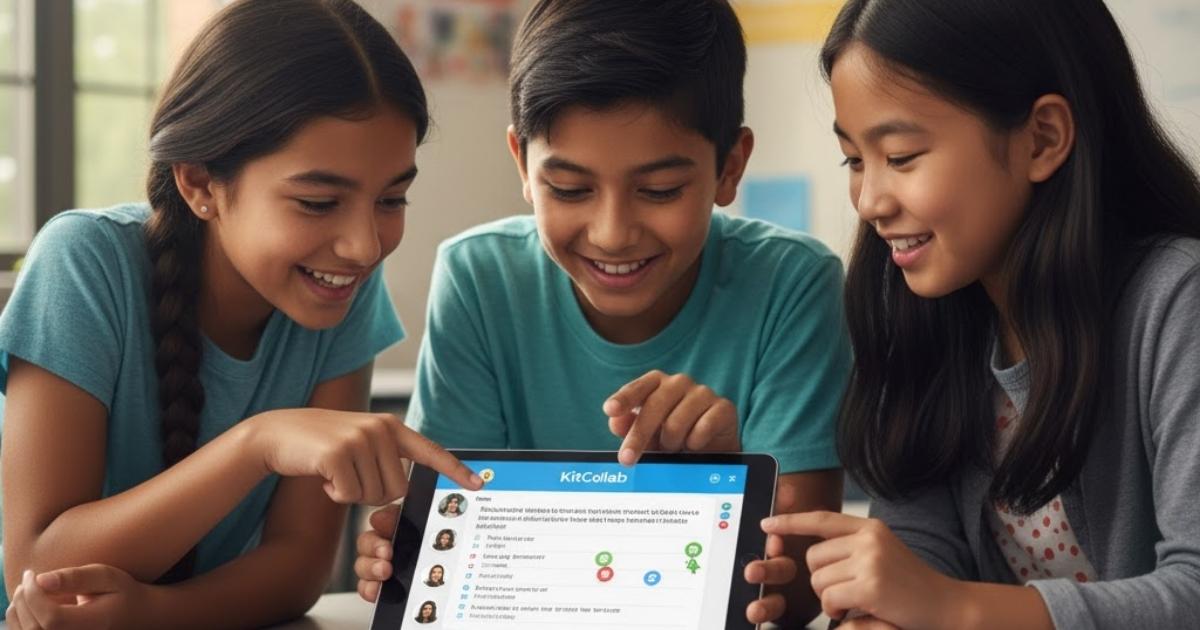
Able to work with KitCollab, students are allowed to create content.
They send in the questions.
Teachers give the green light.
Such a method promotes deeper student engagement in the class.
What memory limit applies in gimkit create?
Total memory 100000. Various parts such as devices and props take up different amounts of memory. Keep an eye out for overflow.
How to share a gimkit create map?
Allow publishing for Discovery.
Utilize showcase links.
Immerse yourself in the game with the group.
Is gimkit create free?
The basic features are free.
Publishing costs GimBucks.
Pro version unlocks more maps.